By AppHub Editorial Team · Updated August 5, 2026
Google Chrome


Overview
Google LLC
Free
Feb 7, 2012
No
May 28, 2026
Features
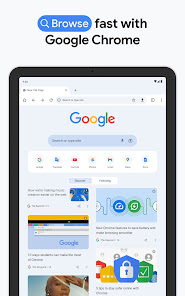
Chrome helps you do what’s possible on the web. Choose the fast, secure browser by Google. GET THE BEST OF GOOGLE IN CHROME
Chrome helps you do what’s possible on the web. Choose the fast, secure browser by Google. GET THE BEST OF GOOGLE IN CHROME
When you purchase through links on our site, we may earn an affiliate commission. Learn more
Ratings breakdown
48,700,000 reviewsDeveloper contact
Name
Google LLC
Address
1600 Amphitheatre Pkwy Mountain View, CA 94043 United States
Phone
+1 650-253-0000
Support
apps-help@google.com
Privacy
View policyFrequently Asked Questions
Is Google Chrome free to download? high
Yes. The app metadata lists Google Chrome as free.
Source: app_metadata
What do sampled users complain about in Google Chrome? low
Google Chrome has sampled complaints about intrusive ads, pop-ups, or promotional interruptions disrupting the experience. Only 1 sampled review supports this theme, so confidence is low. For example, one reviewer says: "ughts towards Google. It seems that they have added SO MANY ADS, since first coming out with the Google platform. Back w"
Source: user_reviews
What do sampled users like about Google Chrome? low
Google Chrome is praised by sampled reviewers for its features, functionality, or customization options. Only 1 sampled review supports this theme, so confidence is low.
Source: user_reviews
Is Google Chrome worth downloading in 2026? medium
Based on 5 sampled reviews spanning May 05, 2026 to April 11, 2026, Google Chrome has a 4.1/5 overall rating from 48.7M total reviews. Sampled reviews show 1 praised themes and 3 complaint themes. As with any app, experiences vary by device and use case.
Source: user_reviews, app_metadata, ratings_data
How to Use
Chrome helps you do what’s possible on the web. (app_description)
Getting Started
Source: app_description_and_user_feedback_noted
- Install Google Chrome from the Google Play Store or Apple App Store.
- Open the app and begin with the free experience to explore its core functionality.
- Review the main features described in the app listing to understand what this app offers.
- Be aware of sampled user-reported issues: the app has sampled complaints about intrusive ads, pop-ups, or promotional interruptions disrupting the experience..
Key Features (from app listing)
Source: app_description
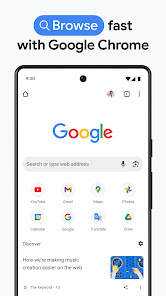
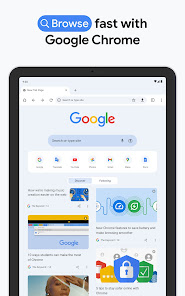
- SEARCH WITH GOOGLE - Search and get answers on Google fast. Use your voice to search hands-free.
- GOOGLE LENS - Search what you see around you with your camera.
- ENHANCED PROTECTION MODE - Browse confidently with the highest level of Chrome’s security.
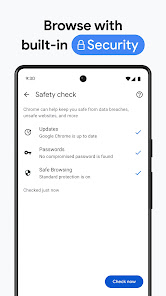
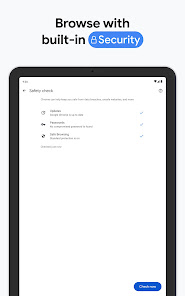
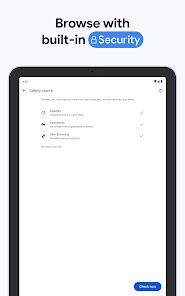
- SAFETY CHECK - Get peace of mind with proactive safety alerts.
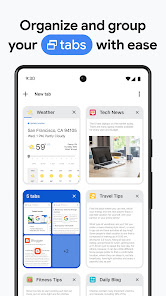
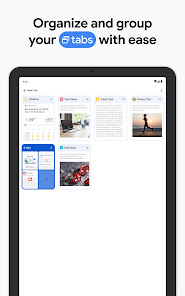
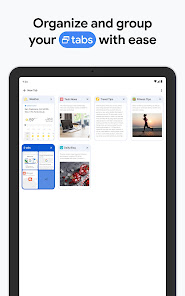
- TAB GROUPS - Create tab groups to stay organized across devices.
Theme 'features, functionality, or customization options' identified in recent_reviews #5. Review #5 (recent_reviews, 4★) mentions features, functionality, or customization options.
How this content was created
Content type: pattern_analysis_of_user_reviews_and_metadata
AI generated: Yes
- Google Play user reviews (12-20 preferred; may be smaller if source data is limited per app), May 05, 2026 to April 11, 2026
- Google Play ratings distribution
- App Store listing metadata
- Review samples are not statistically representative of all user sentiment
- High-engagement negative reviews can overrepresent complaints
- Claims labeled 'low confidence' are based on single-review observations only
- No real-world app testing was conducted
- Feature availability may vary by region, device, and app version
Pros & Cons
Based on analysis of Google Play user reviews
Pros
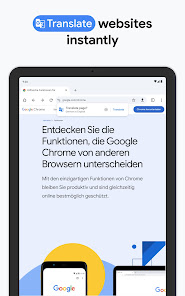
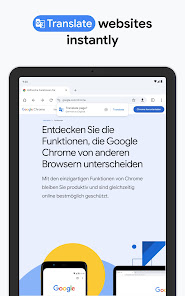
- Integrates Google services like Search, Lens, and Translate directly into the browser.
Theme 'Google Integration' identified in app description
Evidence (1)
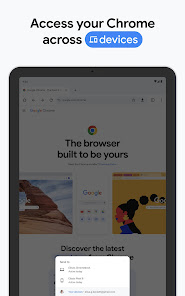
“SEARCH WITH GOOGLE - Search and get answers on Google fast. Use your voice to search hands-free.”Rating: 5★ N/A - Offers cross-device sync for bookmarks, tabs, and passwords across devices.
Theme 'Cross-Device Sync' identified in app description
Evidence (1)
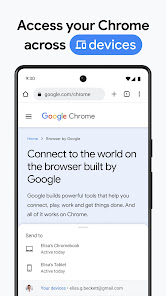
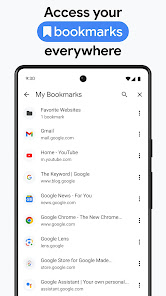
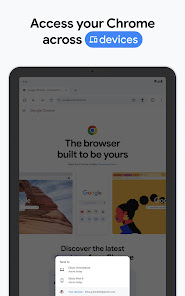
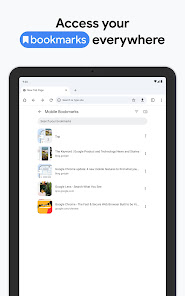
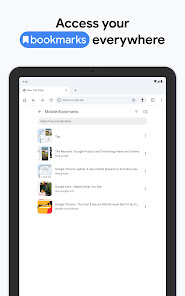
“SYNC ACROSS DEVICES - Save your things (like bookmarks, tabs, and passwords) and easily access them when you sign in to Chrome on your phone, computer or tablet.”Rating: 5★ N/A - Comprehensive and versatile browser available for free, with high customizability.
Theme 'Versatility' identified in recent_review #5
Evidence (1)
“they have one of the most comprehensive and versatile browsers available for free. very malleable, very useful, and very discreet”Rating: 4★ May 05, 2026 9 likes
Cons
- Recent updates have made the browser unusable for many, with blank pages and no response.
Theme 'Unusability' identified in recent_review #3
Evidence (2)
“I can no longer open webpages or sign in to them. I go to the website, and the page is blank”Rating: 1★ January 29, 2025 42,108 likes“The last few days Chrome has been practically unusable, buggy, not responsive, very slow”Rating: 1★ May 25, 2026 1 likes - Excessive ads have degraded the user experience, making it similar to other ad-heavy apps.
Theme 'Ad Overload' identified in recent_review #1
Evidence (1)
“It seems that they have added SO MANY ADS, since first coming out with the Google platform.”Rating: 3★ April 11, 2026 17 likes - Tab groups can suddenly disappear without warning, losing extensive collections.
Theme 'Tab Group Loss' identified in recent_review #2
Evidence (1)
“One day a few weeks ago, almost all of them suddenly vanished. It remembered a handful of my oldest tab groups”Rating: 3★ April 20, 2026 12 likes
Recent Reviews
Robert
3★kinda beginning to get bad thoughts towards Google. It seems that they have added SO MANY ADS, since first coming out with the Google platform. Back when Google was still very young, I absolutely loved it. in my opinion, at that time, there was nothing that could hold a candle to Google. But now, it's just as over loaded down with annoying ads like just about every other app on the internet does. it would be nice if they could have a limit of ads that could be put in app. Just wishful thinking
Kyle Potter
3★Everything generally works fine for me. But, I had maintained an extensive collection of tab groups for different purposes. I've even gone through to clean them up in the last couple of months, closing out things I no longer needed and consolidating others. One day a few weeks ago, almost all of them suddenly vanished. It remembered a handful of my oldest tab groups... I didn't intentionally clear anything or have any other issues regarding this app or my phone. What a bummer ☹️
Fred Strout Sr.
1★The same as every one else who gave it one star. I'm tired of this. Make sure your connected to the internet and clear the cashe bla bla. None of the fixes they suggest works. I can no longer open webpages or sign in to them. I go to the website, and the page is blank, it use to have outlines of empty boxes where text should be, and now it has nothing. Followed all of the suggested fixes, and nothing works. I think it's time for a new browser!
All Ways
1★The last few days Chrome has been practically unusable, buggy, not responsive, very slow, So I did some basic troubleshooting, nothing changed. I went to the Play store to see if there was an update available, come to find out the last update was a few days ago on May 19th 2026, exactly when I started having problems with the Chrome browser! It's something's not broke, don't fix it Google. Rme, Now I have to use a different browser.
Melodic “Melo” Jones
4★if it wasn't so corporate it'd be the best, but the framework they lay down is fundamental in the creation of other browsers that I can't seem to get off my Windows computer, *cough *cough, fughin "Edge"-lord. but they have one of the most comprehensive and versatile browsers available for free. very malleable, very useful, and very discreet ... supposedly . . .