By App Discoverer Editorial Team · Updated October 1, 2026

PowerDirector - Video Editor


Overview
Video Players & Editors
Cyberlink Corp
Free
Jun 4, 2014
16.1.5
9
$0.99 - $249.99 per item
No
Feb 12, 2026
Features
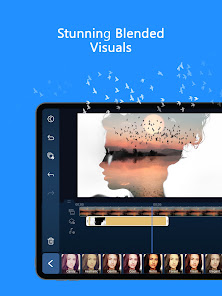
PowerDirector is the ultimate AI video editor that lets you create stunning, high-quality videos quickly and easily. This comprehensive AI video maker offers a vast array of animation filters and AI Auto Edit tools, allowing you to transform your videos and photos into viral TikTok clips or engaging social media content instantly.
🤖 AI Editing Features
PowerDirector is the ultimate AI video editor that lets you create stunning, high-quality videos quickly and easily. This comprehensive AI video maker offers a vast array of animation filters and AI Auto Edit tools, allowing you to transform your videos and photos into viral TikTok clips or engaging social media content instantly.🤖 AI Editing Features
Download PowerDirector - Video Editor
Get the official app from the trusted app stores. You will be redirected to the download page.
Official Links
When you purchase through links on our site, we may earn an affiliate commission. Learn more
Ratings breakdown
1,730,000 reviewsDeveloper contact
Name
訊連科技股份有限公司
Address
231023台湾新北市新店區 民權路100號15樓
Website
http://www.cyberlink.com/Phone
+886 922 748 566
Support
PowerDirector_AppSupport@cyberlink.com
Privacy
View policyFrequently Asked Questions
Is PowerDirector free to use? high
The app is free to download, but offers in-app purchases ranging from $0.99 to $249.99 per item. A subscription is required to unlock premium features and remove ads, as noted in user reviews.
Source: app_metadata, user_reviews
Does PowerDirector work without a subscription? medium
The app has a free version with limited features. However, user complaints indicate that the free version includes many ads and pop-ups, and access to premium content like fonts, intros, and outros requires a subscription.
Source: user_reviews, app_metadata
Why can't I download or save my edited videos in PowerDirector? low
Based on a user review, some users report being unable to use or download videos after editing. This may be a bug, a free version limitation, or a technical issue.
Source: user_reviews
Are there ads in PowerDirector? medium
According to the app's metadata, the app does not contain ads. However, a recent user review reports 'Soo many ads and pop-ups with hidden continue or X icons.' This suggests that ad experiences may vary or be tied to the subscription tier.
Source: app_metadata, user_reviews
Can I import both videos and images at the same time in PowerDirector? low
According to a user review, the app currently does not allow importing both video and image files simultaneously. Videos and images must be imported separately, which can disrupt chronological ordering.
Source: user_reviews
How to Use
PowerDirector is an AI-powered video editor app that allows users to create, edit, and enhance videos with features like AI auto edit, templates, effects, and professional tools for content creation. (app_description)
Getting Started
Source: app_description_and_user_feedback_noted
- Download PowerDirector from the Google Play Store and launch the app.
- Grant necessary permissions (storage, media) as prompted for full functionality.
- Choose a new project: import videos and photos from your gallery (note: users report that videos and images must be imported separately).
- Use the AI Auto Edit feature to automatically detect best moments and create polished videos with templates, or manually trim, cut, splice, and arrange your clips.
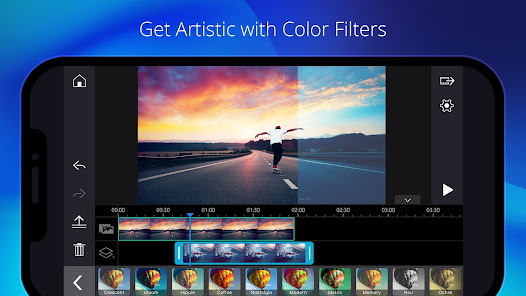
- Apply effects, filters, transitions, text, and music from the built-in library.
- Preview your video and export it in your preferred resolution and format (note: some users report export issues, especially in the free version).
Key Features (from app listing)
Source: app_description
- AI Auto Edit: Automatically detects best moments and creates polished videos with templates.
- AI Image-to-Video: Templates for AI Dance, AI Kissing, and more.
- AI Portrait: Filters for Ghibli, Disney style, and more.
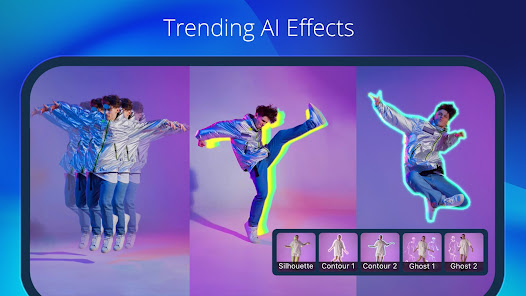
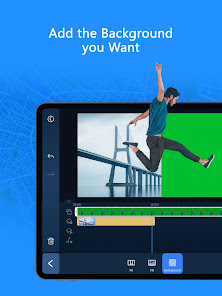
- AI Video Enhancer, AI Voice Changer, AI Smart Cutout, AI Speech-to-Text, AI Speech Enhancement, AI Super Slow Motion, AI Background Removal, and Body Effect with Body Tracking.
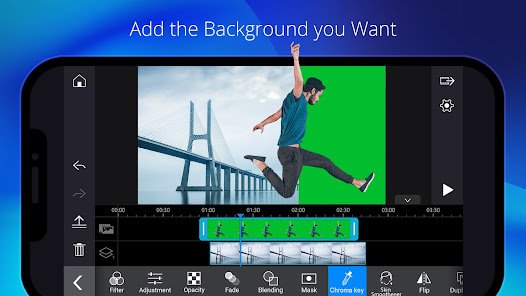
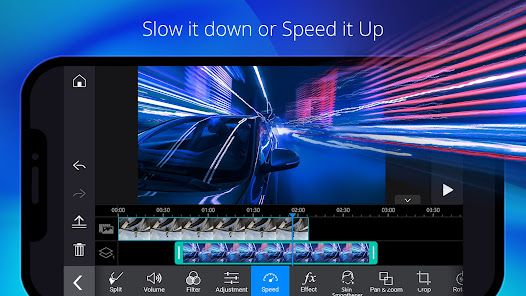
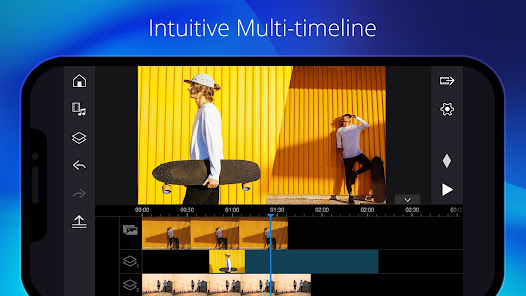
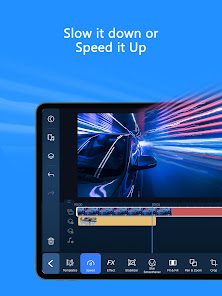
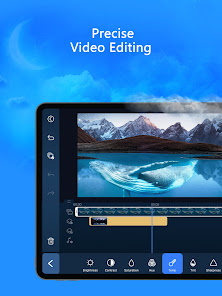
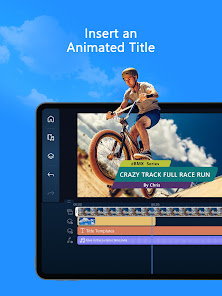
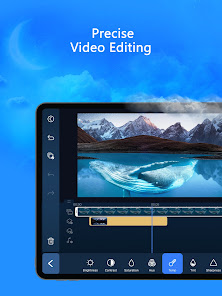
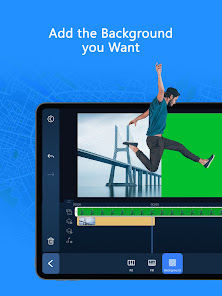
- Professional editing tools: trim, cut, splice, rotate, adjust speed, green screen, video stabilizer, voiceovers, keyframe controls, and multi-layer overlays.
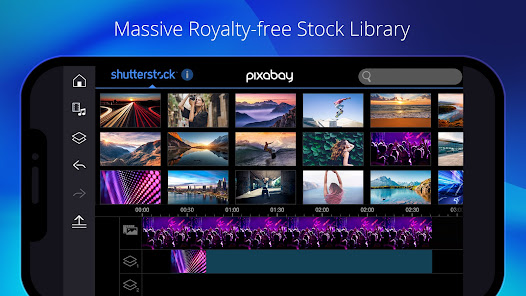
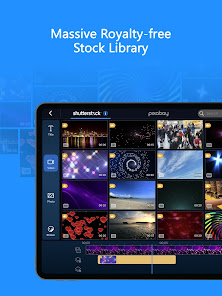
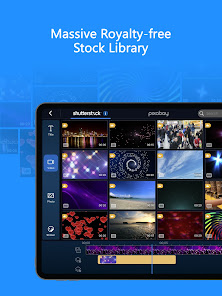
- Built-in stock library with photos, music, sound effects, and templates from Getty Images (for premium users).
This tip is derived from a user complaint in recent_reviews #3, which identifies the inability to import both videos and images at the same time. No official workaround is provided in the app description, so this is a user-suggested workaround.
How this content was created
Content type: pattern_analysis_of_user_reviews_and_metadata
AI generated: Yes
- Google Play user reviews (12-20 preferred; may be smaller if source data is limited per app), October 06, 2024 to January 30, 2026
- Google Play ratings distribution
- App Store listing metadata
- Review samples are not statistically representative of all user sentiment
- Only 5 recent reviews were available, all negative, limiting the ability to assess overall sentiment
- Claims labeled 'low confidence' are based on single-review observations only
- No real-world app testing was conducted
- Feature availability may vary by region, device, and app version
- The app description claims no ads, but a user review reports ads, suggesting possible discrepancy
Pros & Cons
Based on analysis of Google Play user reviews
Pros
- Powerful AI editing features like auto edit, portrait filters, and voice changer.
Theme 'AI editing features' identified in app description
Evidence (1)
“Amazing video editor! I pay for the full version because it's worth it! You get access to everything! Easy to use!”Rating: 1★ January 29, 2026 7 likes - Easy to use once you get used to the features, allowing quick video creation.
Theme 'Easy to use after learning' identified in recent_review #5
Evidence (1)
“Once I got used to all the features, I was able to make videos in minutes!”Rating: 1★ January 29, 2026 7 likes - Access to everything with the full version, including fonts, intros, and outros.
Theme 'Full version access' identified in recent_review #5
Evidence (1)
“I pay for the full version because it's worth it! You get access to everything!”Rating: 1★ January 29, 2026 7 likes
Cons
- Frequent crashes and bugs that cause loss of progress, requiring hours of rework.
Theme 'Crashes and lost progress' identified in recent_review #1
Evidence (1)
“It doesn't save the progress and then it freezes on you, and then it mixes up EVERYTHING, AND YOU HAVE TO START FROM SCRATCH!!”Rating: 1★ October 06, 2024 486 likes - Expensive subscription with frequent price increases, bait-and-switch tactics.
Theme 'Expensive subscription and price increases' identified in recent_review #4
Evidence (2)
“The subscription is incredibly expensive for what it is.”Rating: 1★ October 06, 2024 486 likes“Now for the last 3 years they have been jacking up the price. They couldn't even have the decency to keep the price the same after railroading us the first time!”Rating: 1★ December 27, 2025 17 likes - Non-intuitive interface, especially when importing both videos and images.
Theme 'Non-intuitive interface' identified in recent_review #3
Evidence (1)
“The number one thing I don't like is that you cannot import both videos and images at one time. You have to import videos only and then later import your images, but then they aren't in chronological order anymore and you have to move each image or video into the correct location on the timeline.”Rating: 1★ January 18, 2026 18 likes
Recent Reviews
K. K.
1★This app is TERRIBLE!!! I was working for 6-7 hours every single day for 10 days now to create a video of 10 minutes. The subscription is incredibly expensive for what it is. I have sleepless night because I have to keep fixing ALL stickers and ALL effects that shifted to ALL the wrong places, and it's HOURS AND HOURS OF WORK EVERY NIGHT!! it's INSANE!!! It doesn't save the progress and then it freezes on you, and then it mixes up EVERYTHING, AND YOU HAVE TO START FROM SCRATCH!! I HATE IT!!!
Average Lawn Care
1★Can't use videos after editing. Can't download videos to save. But wow Soo many ads and pop-ups with hidden continue or "X" icons. The app was fine but now they want full access to my phone data. Features don't work unless you have full access to my data? Update: No where did I say video length, it's all edited videos from the last two months, and three months ago I could easily download and saved longer videos.
Brian Carlson
1★I have decided after many years of using this app that I just do not like it. The number one thing I don't like is that you cannot import both videos and images at one time. You have to import videos only and then later import your images, but then they aren't in chronological order anymore and you have to move each image or video into the correct location on the timeline. Overall the interface is not intuitive. I just used inShot and it was a dream.
Frank Zen
1★First they bait and switched us back in 2019 by moving to "subscription". Now for the last 3 years they have been jacking up the price. They couldn't even have the decency to keep the price the same after railroading us the first time! I've actually been going back to my desktop more because I can get perpetual VEGAS upgrades cheaper. GOOD RIDDANCE! ONE STAR!!!
Cheryl Alt
1★After the most recent update, all the additional things on the app like fonts, intros and outros are no longer available. I dont like it. Amazing video editor! I pay for the full version because it's worth it! You get access to everything! Easy to use! Once I got used to all the features, I was able to make videos in minutes!