By AppHub Editorial Team · Updated August 5, 2026

Gboard - the Google Keyboard


Overview
Google LLC
Free
Jun 5, 2013
No
May 27, 2026
Features
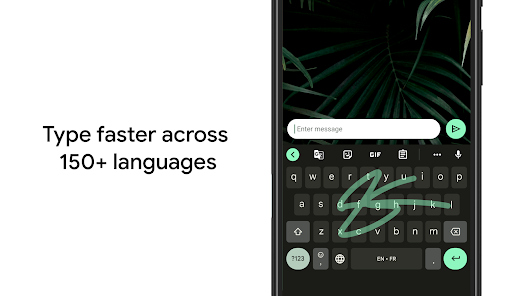
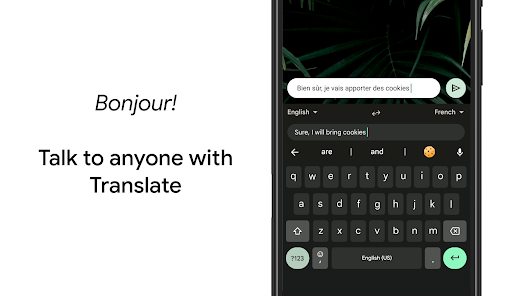
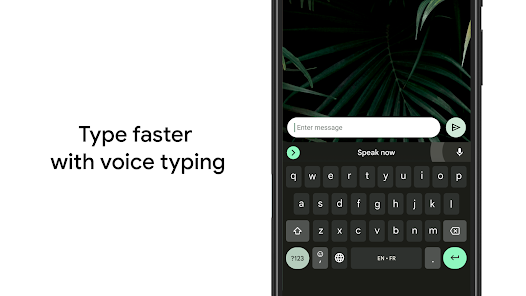
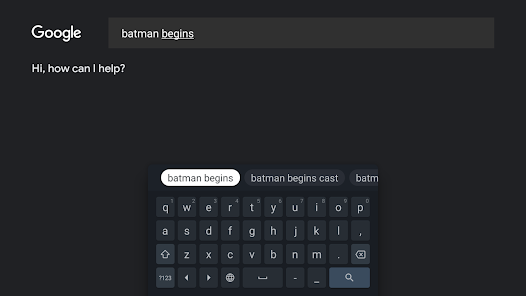
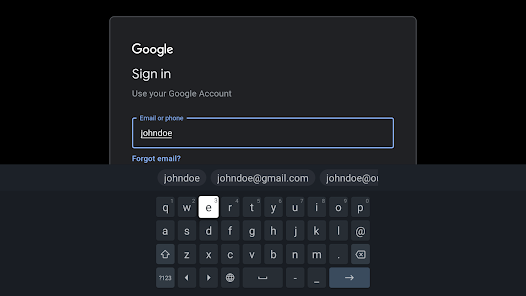
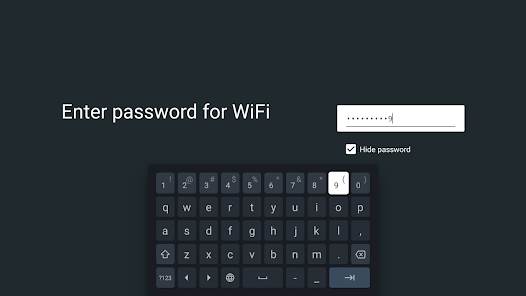
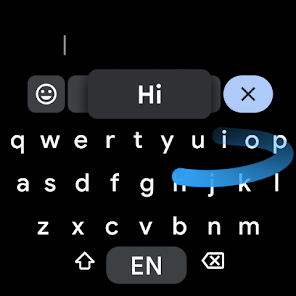
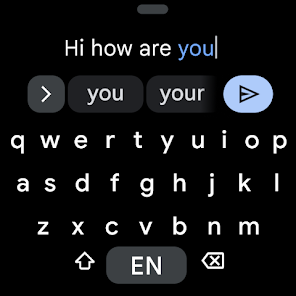
Gboard has everything you love about Google Keyboard—speed and reliability, Glide Typing, voice typing, Handwriting, and moreGlide Typing — Type faster by sliding your finger from letter to letterVoice typing — Easily dictate text on the goHandwriting
Gboard has everything you love about Google Keyboard—speed and reliability, Glide Typing, voice typing, Handwriting, and moreGlide Typing — Type faster by sliding your finger from letter to letterVoice typing — Easily dictate text on the goHandwriting
When you purchase through links on our site, we may earn an affiliate commission. Learn more
Ratings breakdown
18,600,000 reviewsDeveloper contact
Name
Google LLC
Address
1600 Amphitheatre Pkwy Mountain View, CA 94043 United States
Phone
+1 650-253-0000
Support
gboard-dev-support@google.com
Privacy
View policyFrequently Asked Questions
Is Gboard - the Google Keyboard free to download? high
Yes. The app metadata lists Gboard - the Google Keyboard as free.
Source: app_metadata
What do sampled users complain about in Gboard - the Google Keyboard? low
Gboard - the Google Keyboard has sampled reports that recent updates made the experience worse or introduced new problems. Only 1 sampled review supports this theme, so confidence is low. For example, one reviewer says: "ails & notes all the time. UNFORTUNATELY the last couple of updates have taken it backwards again, at least for me. It i"
Source: user_reviews
What do sampled users like about Gboard - the Google Keyboard? medium
Gboard - the Google Keyboard is praised by sampled reviewers for its features, functionality, or customization options. 2 sampled reviews independently mention this pattern.
Source: user_reviews
Is Gboard - the Google Keyboard worth downloading in 2026? medium
Based on 5 sampled reviews spanning May 25, 2025 to March 07, 2026, Gboard - the Google Keyboard has a 4.5/5 overall rating from 18.6M total reviews. Sampled reviews show 1 praised themes and 1 complaint themes. As with any app, experiences vary by device and use case.
Source: user_reviews, app_metadata, ratings_data
How to Use
Gboard has everything you love about Google Keyboard—speed and reliability, Glide Typing, voice typing, Handwriting, and moreGlide Typing — Type faster by sliding your finger from letter to letterVoic (app_description)
Getting Started
Source: app_description_and_user_feedback_noted
- Install Gboard - the Google Keyboard from the Google Play Store or Apple App Store.
- Open the app and begin with the free experience to explore its core functionality.
- Review the main features described in the app listing to understand what this app offers.
- Be aware of sampled user-reported issues: the app has sampled reports that recent updates made the experience worse or introduced new problems..
Key Features (from app listing)
Source: app_description
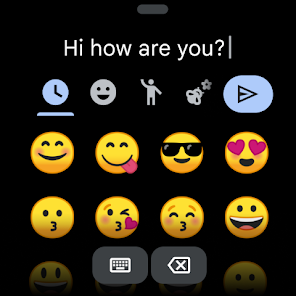
- — Write in cursive and printed lettersEmoji Search
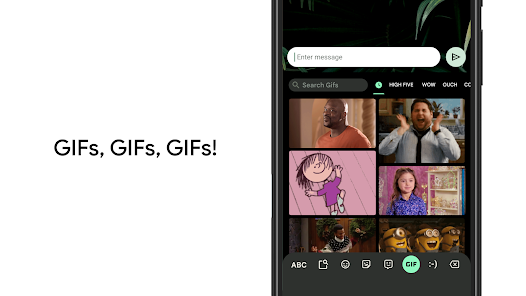
- — Find that emoji, fasterGIFs
- Gesture cursor control: Slide your finger across the space bar to move the cursor
- Gesture delete: Slide left from the delete key to quickly delete multiple words
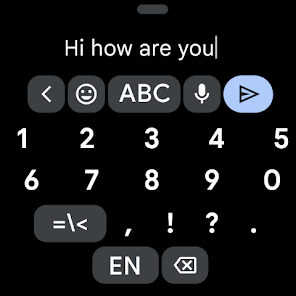
- Make the number row always available (enable in Settings → Preferences → Number Row)
- One handed mode: On large screen phones, pin keyboard to the left or the right of the screen
Theme 'features, functionality, or customization options' identified in recent_reviews #4, recent_reviews #5. Review #4 (recent_reviews, 4★) mentions features, functionality, or customization options. Review #5 (recent_reviews, 4★) mentions features, functionality, or customization options.
How this content was created
Content type: pattern_analysis_of_user_reviews_and_metadata
AI generated: Yes
- Google Play user reviews (12-20 preferred; may be smaller if source data is limited per app), May 25, 2025 to March 07, 2026
- Google Play ratings distribution
- App Store listing metadata
- Review samples are not statistically representative of all user sentiment
- High-engagement negative reviews can overrepresent complaints
- Claims labeled 'low confidence' are based on single-review observations only
- No real-world app testing was conducted
- Feature availability may vary by region, device, and app version
Pros & Cons
Based on analysis of Google Play user reviews
Pros
- Highly customizable keyboard with personal photos and a personal dictionary for custom spellings.
Theme 'Customization' identified in recent_review #4
Evidence (1)
“I love how you can customize the view of the board - even to your own photos, & having the dictionary to add spellings of words & names”Rating: 4★ August 27, 2024 7,351 likes - Glide Typing and handwriting recognition with Galaxy Pen are useful features.
Theme 'Input Methods' identified in recent_review #2
Evidence (1)
“what I do like, I can use my Galaxy pen to write in a text field. except it doesn't give you space to make it work.”Rating: 2★ September 08, 2025 2,571 likes - Generally preferred over default Samsung keyboard by users.
Theme 'Preference' identified in recent_review #3
Evidence (1)
“Overall I am a pretty big fan of Gboard over the default Samsung keyboard.”Rating: 3★ October 07, 2025 2,460 likes
Cons
- Voice typing accuracy has degraded significantly in recent updates, misinterpreting words.
Theme 'Voice Typing Degradation' identified in recent_review #1
Evidence (2)
“It is not picking up my words very well at all & it capitalizes random words in the middle of a sentence.”Rating: 2★ March 07, 2026 471 likes“voice recognition on here is pretty awful as well.”Rating: 2★ September 08, 2025 2,571 likes - Swipe typing frequently fails to detect input, making it unreliable.
Theme 'Swipe Typing Issues' identified in recent_review #2
Evidence (1)
“The swipe typing, which is how I usually go, frequently just decides not to detect it.”Rating: 2★ September 08, 2025 2,571 likes - Keyboard sometimes glitches and stays on screen after use, requiring interaction to dismiss.
Theme 'Keyboard Glitch' identified in recent_review #5
Evidence (1)
“it glitches and stays up after using it? It usually takes me attempting to type with it for it to fix the issue.”Rating: 4★ May 25, 2025 15,526 likes
Recent Reviews
MDP
2★I have used this app for many years. I use Google voice for typing my messages, emails & notes all the time. UNFORTUNATELY the last couple of updates have taken it backwards again, at least for me. It is not picking up my words very well at all & it capitalizes random words in the middle of a sentence. It was very familiar with my voice before the last 2 updates, now it types words that don't even sound like what I'm trying to say. I've done the troubleshooting, no chance. Please fix🙏 Thx!
Robert MacGregor
2★Mostly absolute garbage. I came here from years of SwiftKey. But after they changed to an in-house voice to type system, I just couldn't bear it. But it's only just bad enough there to keep me using this for the time being. what I do like, I can use my Galaxy pen to write in a text field. except it doesn't give you space to make it work. The swipe typing, which is how I usually go, frequently just decides not to detect it. voice recognition on here is pretty awful as well.
Doug Osgood
3★Overall I am a pretty big fan of Gboard over the default Samsung keyboard. I do find it frustrating that the built-in dictation has seemingly no way to correct interpretations of spoken names? I have tried entering things into the personal dictionary, sending feedback, all sorts of things to get corrections made to how people's names are actually taken down when spoken. Most of the time I just stop dictating and have to type a name if I know it's going to get it wrong.
Lisa (Lisa Meow 26)
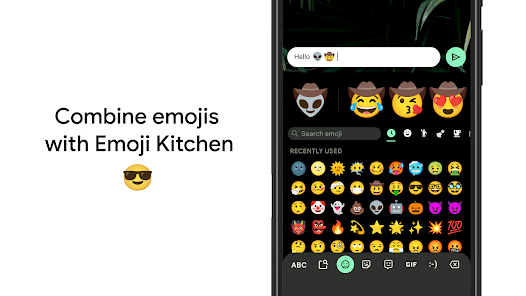
4★I love how you can customize the view of the board - even to your own photos, & having the dictionary to add spellings of words & names that it may not be familiar with. BUT, the auto-fill can really have a (sometimes kinda dirty 😂) mind of it's own & even the space bar fills in words & punctuation for no reason. Also, I don't get why you're offered different emojis in certain areas but they only show up when you first put them in. Later, they're gone. So, there ARE some things to improve on.
Windraptor
4★For the most part, I love it! It's a great app that lets me customize my keyboard with a picture I want. I've used it for years. But there is a weird issue now where sometimes after using my keyboard, it glitches and stays up after using it? It usually takes me attempting to type with it for it to fix the issue. I would love to see that the issue is looked into!!