By App Discoverer Editorial Team · Updated October 1, 2026

3D Modeling App: Sculpt & Draw




Overview
Art & Design
3D Modeling Apps
Free
Aug 20, 2024
1.20.12
6.0
$0.99 - $34.99 per item
No
Apr 10, 2026
Features
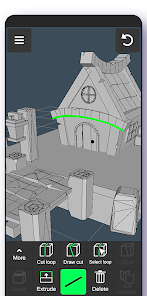
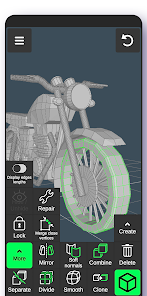
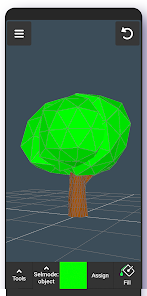
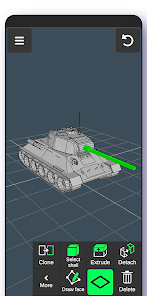
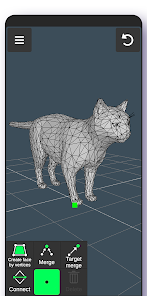
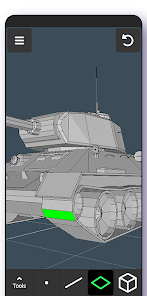
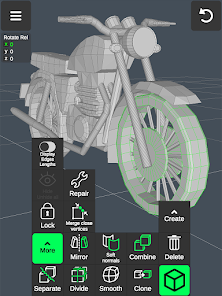
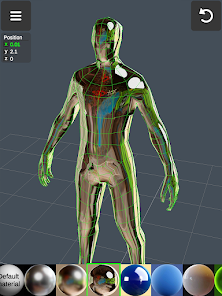
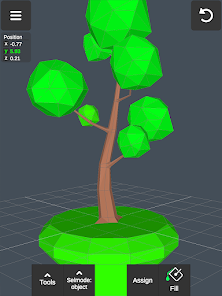
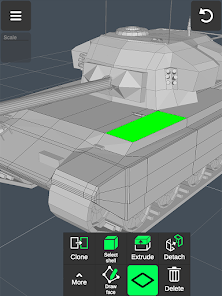
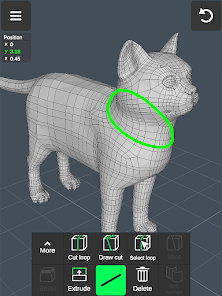
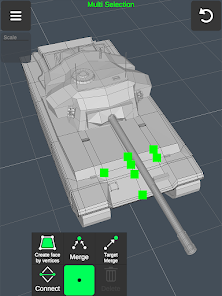
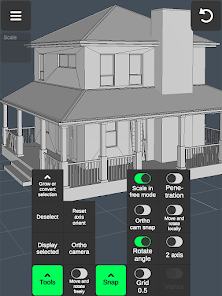
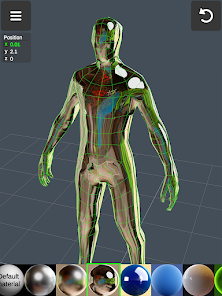
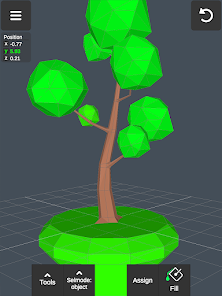
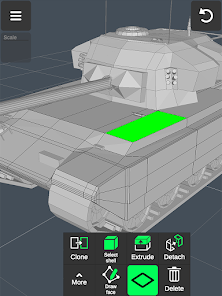
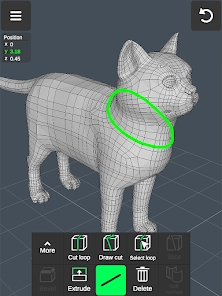
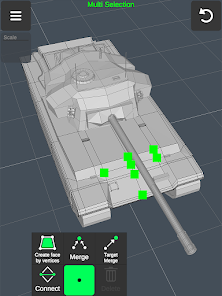
3D Modeling App allows you to easily make 3D models, objects, art and cgi graphics, paintings, create 3d characters and design 3d games on the go using gestures on your mobile phone or tablet. Our 3d editing app stands out from other drawing apps for adults.
Create a multitude of 3d objects for business. It is a useful addition to the toolkit of many professionals: use it as a 3d graphic design app, a 3d builder design app, a 3d drawing app for engineering, a landscape design drawing app, a 3d f...
3D Modeling App allows you to easily make 3D models, objects, art and cgi graphics, paintings, create 3d characters and design 3d games on the go using gestures on your mobile phone or tablet. Our 3d editing app stands out from other drawing apps for adults. Create a multitude of 3d objects for business. It is a useful addition to the toolkit of many professionals: use it as a 3d graphic design app, a 3d builder design app, a 3d drawing app for engineering, a landscape design drawing app, a 3d furniture design app, an industrial design app, and one of the best woodworking design apps. Automotive engineers can even use it for car design. For those looking for the best digital canvas for 3d pen work, painting, or sketching, 3D Modeling App is also a 3d painting app and 3d sketch maker. Find the right 3d brush for your task. Are you a crafter and maker who has long been looking for an all-around 3d art maker? Look no further. No stylus pen is required for 3d pencil drawing, but if you are an artist who relies on one, our drawing editor app supports it. Test your abilities as a digital sculptor, since 3D Modeling App is also a 3d sculpting app. For the model makers, it is also a 3d model maker and 3d object maker. This is the cgi creator for fast 3d. And for game designers and developers, we provide a tool that lets you create 3d characters and design 3d games. It's the 3d animator you need to create cut scenes. Also use it to make 3d models of your characters and to accurately model 3d physics. Or try out the app as a 3d map maker to flesh out an immersive world for your game and 3d character. Tons of features:1. Fast workflow:
Download 3D Modeling App: Sculpt & Draw
Get the official app from the trusted app stores. You will be redirected to the download page.
Official Links
When you purchase through links on our site, we may earn an affiliate commission. Learn more
Ratings breakdown
15,400 reviewsDeveloper contact
Name
Core five, Inc.
Address
2035 Sunset Lake Rd Ste B2 Newark, DE 19702 United States
Website
https://3dmodelingapp.infoPhone
+1 901-235-2169
Support
hello@3dmodelingapp.info
Privacy
View policyFrequently Asked Questions
Is 3D Modeling App: Sculpt & Draw free to download? high
Yes. The app metadata lists 3D Modeling App: Sculpt & Draw as free, with in-app purchases listed as $0.99 - $34.99 per item.
Source: app_metadata
What do sampled users complain about in 3D Modeling App: Sculpt & Draw? low
3D Modeling App: Sculpt & Draw has sampled reports about account access, login, or recovery problems. Only 1 sampled review supports this theme, so confidence is low.
Source: user_reviews
What do sampled users like about 3D Modeling App: Sculpt & Draw? medium
3D Modeling App: Sculpt & Draw is praised by sampled reviewers as easy, useful, or convenient. 2 sampled reviews or 1 sampling buckets support this theme.
Source: user_reviews
How to Use
3D Modeling App allows you to easily make 3D models, objects, art and cgi graphics, paintings, create 3d characters and design 3d games on the go using gestures on your mobile phone or tablet. (app_description)
Getting Started
Source: app_description_and_user_feedback_noted
- Install 3D Modeling App: Sculpt & Draw from the appropriate app store.
- Open the app and start with the free experience.
- Review the main features described in the app listing.
- Check settings or support resources if you run into sampled issue patterns such as 3d modeling app: sculpt & draw has sampled reports about account access, login, or recovery problems.
Key Features (from app listing)
Source: app_description
- Art & Design app experience
- Free download
- From 3D Modeling Apps
- 10,000,000+ downloads listed
Theme 'easy, useful, or convenient to use' identified in recent_reviews #4, recent_reviews #5. Review #4 praises easy, useful, or convenient to use. Review #5 praises easy, useful, or convenient to use.
How this content was created
Content type: pattern_analysis_of_user_reviews_and_metadata
AI generated: Yes
- Google Play user reviews (12-20 preferred; may be smaller if source data is limited per app), March 27, 2025 to October 28, 2025
- Google Play ratings distribution
- App Store listing metadata
- Review samples are not statistically representative of all user sentiment
- High-engagement negative reviews can overrepresent complaints
- Claims labeled 'low confidence' are based on single-review observations only
- No real-world app testing was conducted
- Feature availability may vary by region, device, and app version
Pros & Cons
Based on analysis of Google Play user reviews
Pros
- Easy to learn and use, especially for beginners wanting to sculpt on mobile.
Theme 'Easy to learn' identified in recent_review #1, #4, and #5
- Good for quick 3D modeling and sculpting on the go with a stylus or fingers.
Theme 'Good for quick modeling' identified in recent_review #1 and #5
- Free version offers substantial functionality for basic modeling tasks.
Theme 'Good free version' identified in recent_review #1
Cons
- Export is limited to proprietary .3ma format unless you pay, making files unusable elsewhere.
Theme 'Limited export options' identified in recent_review #2
- Lacks essential tools like an eyedropper, redo button, and smooth paint brushes.
Theme 'Missing essential tools' identified in recent_review #3 and #4
- Lighting and material rendering is limited, with light not reflecting off all materials.
Theme 'Poor material rendering' identified in recent_review #3
Recent Reviews
J. M.
5★For a free CAD phone app, this is amazing. There's definitely a learning curve, but I'm getting familiar with it very quickly. One thing I can't figure out is how to set angles. I want to make an isoceles trapezoid with two 67.2 degree angles so I can model a segmented octagon. I might just have to use the lengths I calculated instead. Still good though! EDIT: I used the segmented shape they provided and set to 8 sides.
Jae KS
3★Very decent modeling software, I know you need money, but I can't even do anything with .3ma files, at least have some limited downloads and at least be able to download files, how about users be able to register a account and allow them to download a limited amount of .obj files, like 5 or at least 1. Not be completely money hungry and be able to have to pay just to use the files somewhere else.
Joshua Scanlin
4★Suggestions: Light should reflect off all materials, not just the default one. Soft normals should render on more triangles, even if it causes lag (with an additional warning if needed). A redo button. A wider variety of texture brushes that create bumps and ridges on models, especially with extra triangles. Just like in pre-made models, when you COMBINE more than one object, allow them to share the same or DIFFERENT materials/texture paints instead of limiting them to one type.
Lucius Lofton
4★This app is great and super easy to figure out, I was able to make the head of my persona at it was pretty fun! Though there are a few things that should probably be added to the app to improve it like an eyedropper tool so I can grab a color I used before so I can fix a mistake I might've made, and maybe make the paint tool a bit more smoother and maybe you could add brush textures for a wider range of design. Overall, easy to learn and pretty fun! I love it!
Rein
3★This is a lot like blender, but really limited. This is perfect for those wanting to sculpt and hating mouse and keyboard. I even thought to myself: Man this would be so much easier if I could just use my stylist on Blender. but I did forget something. I'm not very good at sculpting. ^^; pretty cool though. Easy to learn.