By App Discoverer Editorial Team · Updated October 1, 2026

Google Authenticator





Overview
Tools
Google LLC
Free
Mar 21, 2012
No
Feb 24, 2026
Features
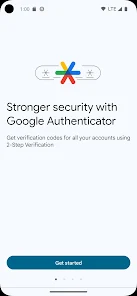
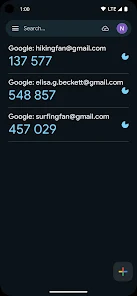
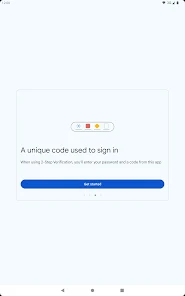
Google Authenticator adds an extra layer of security to your online accounts by adding a second step of verification when you sign in. This means that in addition to your password, you'll also need to enter a code that is generated by the Google Authenticator app on your phone. The verification code can be generated by the Google Authenticator app on your phone, even if you don't have a network or cellular connection.
Google Authenticator adds an extra layer of security to your online accounts by adding a second step of verification when you sign in. This means that in addition to your password, you'll also need to enter a code that is generated by the Google Authenticator app on your phone. The verification code can be generated by the Google Authenticator app on your phone, even if you don't have a network or cellular connection.
Download Google Authenticator
Get the official app from the trusted app stores. You will be redirected to the download page.
When you purchase through links on our site, we may earn an affiliate commission. Learn more
Ratings breakdown
644,000 reviewsDeveloper contact
Name
Google LLC
Address
1600 Amphitheatre Pkwy Mountain View, CA 94043 United States
Phone
+1 650-253-0000
Support
accounts-support@google.com
Privacy
View policyFrequently Asked Questions
Is Google Authenticator free? high
Yes, Google Authenticator is completely free to download and use. It does not contain ads or in-app purchases.
Source: app_metadata
Does Google Authenticator require an internet connection? high
No. According to the app description, the verification codes can be generated even without a network or cellular connection. This makes it reliable in areas with poor service or when traveling.
Source: app_description
Can I use Google Authenticator on multiple devices? medium
Yes. The app supports syncing codes to your Google Account and across devices, and you can transfer accounts between devices using a QR code. However, some users have reported issues when transferring accounts, particularly with special characters in export keys.
Source: app_description, user_reviews
Does Google Authenticator work with all websites and apps? high
It works with any service that supports time-based (TOTP) or counter-based (HOTP) one-time passwords. Many major platforms like Google, Facebook, and Nintendo are supported, though the app description does not list specific partners.
Source: app_description
Is there a way to recover accounts if I lose my phone? medium
The app allows you to sync your Authenticator codes to your Google Account, which can help you access them if you lose your phone. However, some users in the sample reported complete loss of account data from the app, suggesting recovery is not always reliable.
Source: app_description, user_reviews
How to Use
Google Authenticator generates one-time verification codes for two-factor authentication, adding a second layer of security to your online accounts. (app_description)
Getting Started
Source: app_description_and_user_feedback_noted
- Enable 2-Step Verification for your Google Account by visiting http://www.google.com/2step.
- Download and open the Google Authenticator app on your Android device.
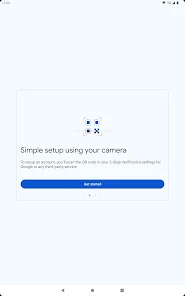
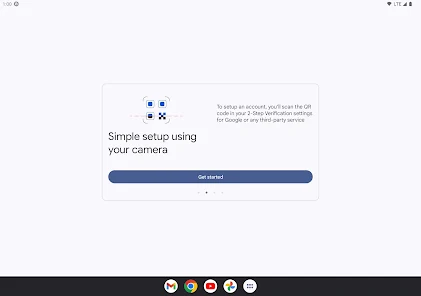
- Use the app to scan a QR code provided by the online service you want to secure. The camera permission is needed for this step.
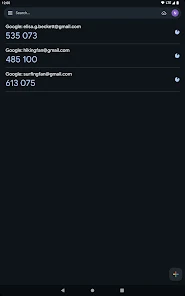
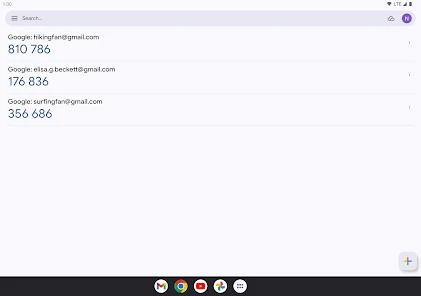
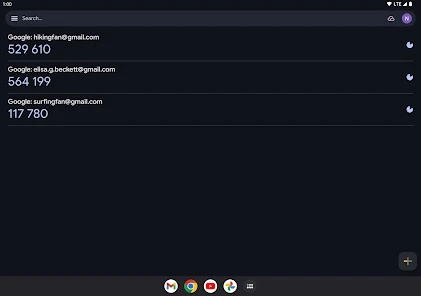
- After scanning, the app will begin generating 6-digit codes. Enter the current code on the service's login page to complete setup.
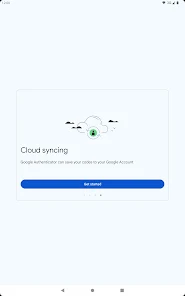
- To sync codes to your Google Account and across devices, sign in to your Google Account within the app's settings.
Key Features (from app listing)
Source: app_description
- Generates verification codes offline without a network connection
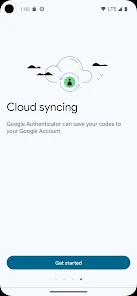
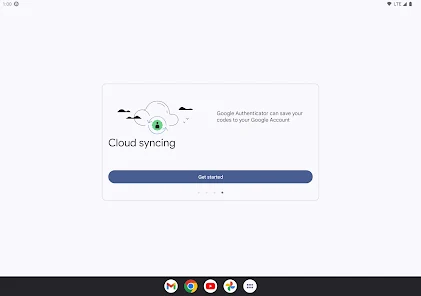
- Syncs Authenticator codes to a Google Account for multi-device access
- Supports multiple accounts within a single app
- Accepts both time-based (TOTP) and counter-based (HOTP) code generation
- Enables account transfer between devices using QR codes
This tip is derived from a user complaint in recent_review #5, which mentions that the export process fails due to special characters in keys.
How this content was created
Content type: pattern_analysis_of_user_reviews_and_metadata
AI generated: Yes
- Google Play user reviews (5 recent reviews per app), September 2022 - September 2025
- Google Play ratings distribution
- App Store listing metadata
- Review samples are not statistically representative of all user sentiment
- Only 5 recent reviews were available, which may not reflect overall app quality
- Claims labeled 'low confidence' are based on single-review observations only
- No real-world app testing was conducted
- Feature availability may vary by region, device, and app version
Pros & Cons
Based on analysis of Google Play user reviews
Pros
- The app generates time-based and counter-based verification codes for two-factor authentication.
Theme 'Code generation types' identified in app description
Evidence (1)
“Support for time-based and counter-based code generation. You can choose the type of code generation that best suits your needs.”Rating: 5★ N/A - The app allows users to sync Authenticator codes to their Google Account for access across devices.
Theme 'Code syncing' identified in app description
Evidence (1)
“Sync your Authenticator codes to your Google Account and across your devices. This way, you can always access them even if you lose your phone.”Rating: 5★ N/A - The app supports adding accounts automatically by scanning a QR code.
Theme 'QR code setup' identified in app description
Evidence (1)
“Set up your Authenticator accounts automatically with a QR code. This is quick and easy, and it helps to ensure that your codes are set up correctly.”Rating: 5★ N/A
Cons
- The app can lose all stored accounts and codes, locking users out of their 2FA-protected accounts.
Theme 'Account loss' identified in recent_review #1, #3
Evidence (2)
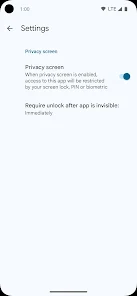
“App no longer appears in my app drawer or on my home screen, and when I search my device it doesn't appear.”Rating: 2★ September 24, 2025 822 likes“All of the app accounts that I had connected to it, and that demand it's use for 2fa, have disappeared”Rating: 1★ October 27, 2024 394 likes - The app has no built-in biometric lock, unlike competitors such as Microsoft Authenticator.
Theme 'No biometric lock' identified in recent_review #4
Evidence (1)
“There's still no built in option to lock the app with biometrics (like Microsoft and many others have)”Rating: 1★ June 13, 2022 803 likes - Exporting accounts to a new device fails due to an inability to handle special characters in account names.
Theme 'Export issues with special characters' identified in recent_review #5
Evidence (1)
“When trying to export to a new phone, it can't process special characters(possibly including spaces). The editing inside the app also doesn't allow you to remove parenthesis from certain keys like nintendo or facebook.”Rating: 1★ September 23, 2022 2,039 likes
Recent Reviews
Aaron McLeland
2★App no longer appears in my app drawer or on my home screen, and when I search my device it doesn't appear. However, when I search the play store it says it's installed and gives me the option to open the app. I'll be really upset if something happens and I have to go through some pita process to recover a bunch of accounts that use two-factor with Google authenticator.
Jane Doe
2★Works well about half the time. I use this for a lot of apps at work and often times I'll put in a number, only to get an error saying it's expired when it isn't. One time at complete random, it started giving an error that it has no permissions to my camera, when I changed absolutely nothing! Every single setting said it had permission. I uninstalled and reinstalled, that didn't fix it. The workaround is to scan the QR code with a barcode scanner outside of this app and open in the app.
Amy Moore
1★The app has completely failed on my phone. All of the app accounts that I had connected to it, and that demand it's use for 2fa, have disappeared, and I can't even figure out how to reconnect them. It really sucks when you have money in accounts that require an Authenticator generated code to gain access to them so you can transfer or use that money, but instead, you can't do squat! Your money is just stuck there. It's unbelievable!
Jason Price
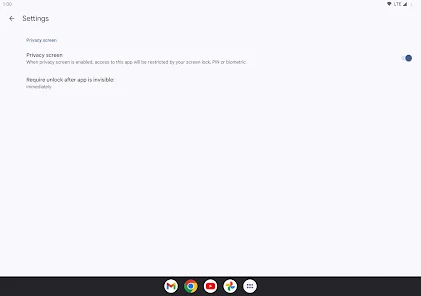
1★The latest update is horrible. The app now runs slowly. The "Click to reveal PIN" feature is just a pain in the backside, especially as there's no option to turn it off. There's still no built in option to lock the app with biometrics (like Microsoft and many others have), and there's no ability to back up in case your phone dies/is lost (no transfer to another phone is NOT backup).
daryl jarman
1★This app is great... if you never want to change devices ever again. When trying to export to a new phone, it can't process special characters(possibly including spaces). The editing inside the app also doesn't allow you to remove parenthesis from certain keys like nintendo or facebook. I honestly can't believe that a security app developed by the biggest name in tech has such a horrible oversight. As it is now I'm stuck burning a backup code. You only get a few of them, so that's bad.